
Blog
Dynamics 365 PSA Late-Time Entry vs Alternatives
nbetters · · 15 min read
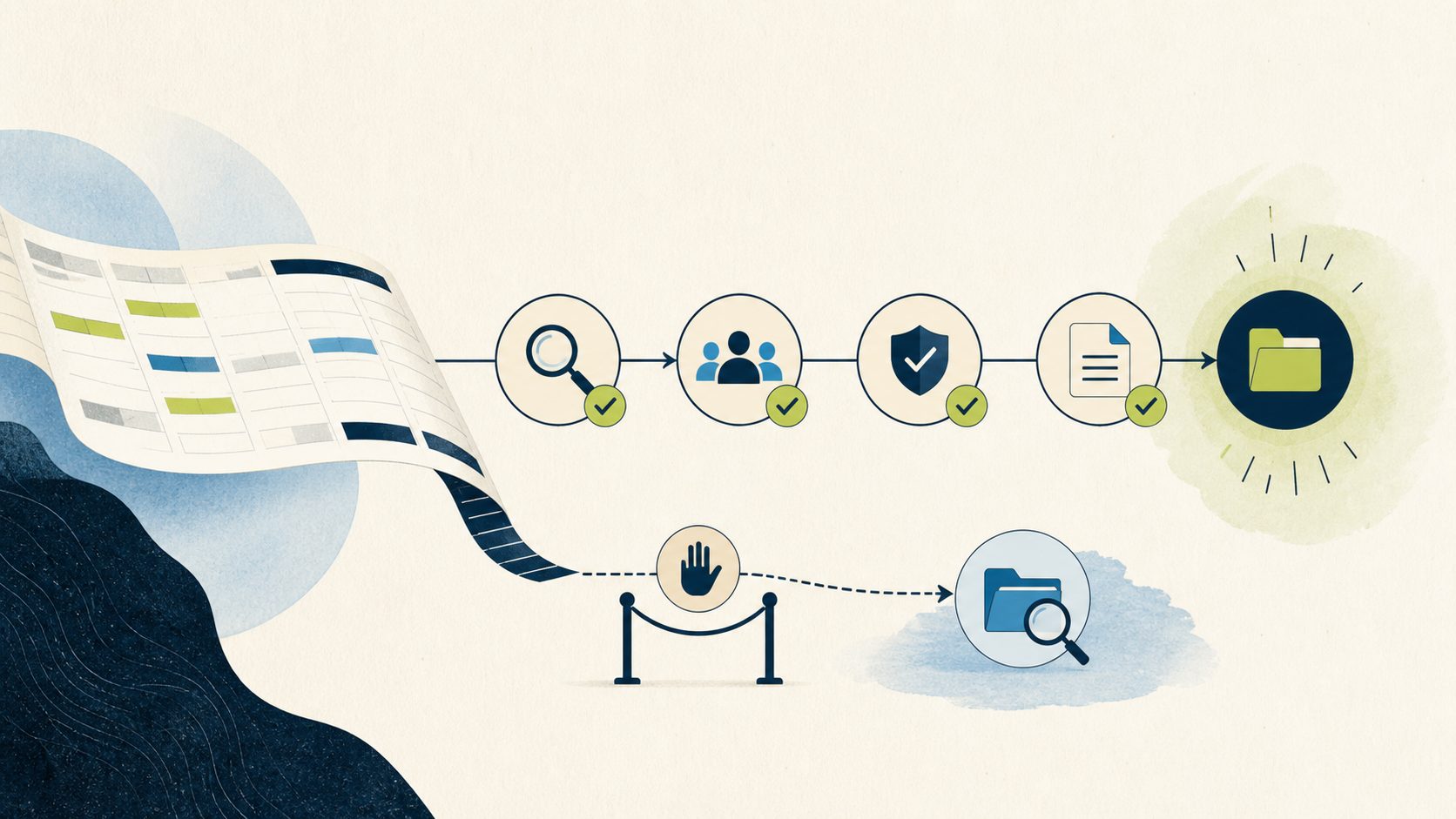
Late time entries are not a discipline problem you can solve with one more reminder email.
Late time entries are not a discipline problem you can solve with one more reminder email. They are a workflow problem with an owner, a cutoff date, and a measurable consequence downstream. When you compare late time entry prevention Dynamics 365 vs alternatives, the real question is not which product is best in the abstract. It is where the control should live, who owns the policy, and which platform your firm already runs well. For a Microsoft-centered project-services firm in Minnesota, our opinion is that Microsoft is the stronger default. This page explains why, states the tradeoffs plainly, and names the conditions where a simpler process fix or a non-Microsoft system is the better call.
Our opinion, and our stake in it
This is a labeled opinion, not a Microsoft endorsement and not a neutral survey. Betters Agency sells Microsoft and Power Platform consulting services, so we have a commercial interest in Microsoft engagements. We are telling you that up front because the honest version of this argument includes the cases where you should not hire us and should not build this on Microsoft at all.
Our thesis is narrow and testable. For firms whose system of record for projects and time is already Dynamics 365, the primitives that make a durable late-entry control possible are Microsoft primitives: Dataverse event handling, Project Operations context, solution-based application lifecycle management, security roles, auditability, and the Microsoft skills your team already has. That combination makes Microsoft the stronger default. It does not make Microsoft the right answer for every firm, and Project Operations does not ship a configurable late-entry lockout you simply switch on.
Start with the workflow before the platform
Picture the bottleneck concretely. A consultant submits time for a project two weeks after the work happened. By then the project manager has already reviewed the weekly grid, an invoice run has closed, and the actuals used for forecasting are wrong. The accountable owner here is usually the project manager or the practice lead who signs off on billing readiness, not the individual contributor. The baseline that tells you whether any change worked is simple to define before you build anything: what share of entries arrive after their allowed date, how long the tail is, and how much manual rework the late tail creates.
Define the policy before you touch technology. Decide which entry dates count as late, which workers and projects are in scope, how weekends and holidays shift the cutoff, who may override the rule, whether a correction is treated differently from a brand new entry, and what evidence you retain when an override happens. Store those policy inputs in governed configuration rather than in source code wherever you can, so a manager can adjust a cutoff without a code deployment.
Here is the compact fit and non-fit boundary. If late entries are rare, concentrated in a handful of people, and cheap to chase manually, a written policy with reminders is the proportionate fix and a platform build is overkill. If late entries cross many write channels, corrupt actuals your billing and forecasting depend on, and recur despite reminders, a server-side control on the platform of record earns its cost. Everything below assumes you are in the second case.
Why late entries are a workflow problem before a technical one
In Dynamics 365 Project Operations, time entries are date-and-duration records shown in a weekly grid, and that grid supports custom fields and business rules, as documented in Microsoft’s guidance on extending the weekly time entry grid. Users can create, edit, submit, recall, copy, and import entries, so entry status is part of the everyday user workflow, as described in Microsoft’s time entry UI behavior documentation. One practical detail from that same source matters for any control you design: import from Exchange appointments was disabled by a Microsoft security policy change effective May 1st, 2025, so that particular inflow is no longer a channel you have to police.
Submission is where the record starts to carry financial weight. Submitting an entry creates an approval record, and approval creates actuals for project entries that then feed cost and billing processes, per Microsoft’s approvals overview. That is why a late entry is expensive: it does not just arrive late, it arrives after the numbers that depend on it have already been used. A control that only nags people at the form does nothing for the entries that never passed through a form.
The Microsoft advantage: where the enforcement point actually lives
The strongest place to enforce a late-entry policy is server-side, on the real create and update path, so the rule applies whether the write comes from a form, an API call, an integration, mobile, or automation. A client-side business rule improves guidance in the grid, and that is worth having, but form-only behavior can be bypassed by any channel that does not render the form. This is the core of our recommendation and it is Betters Agency guidance: validate late entry server-side when the policy must apply across forms, API, integration, and import channels.
Microsoft gives you a clean way to do exactly that. A synchronous Dataverse plug-in can cancel a data operation and show an error before the change commits, and Microsoft advises considering declarative logic first and reaching for plug-ins when declarative options do not meet the requirement, as covered in Microsoft’s guidance on using plug-ins to extend business processes. In plain terms, a synchronous pre-operation component can calculate the allowed date, inspect the entry’s status and any exception conditions, and reject the write with a clear message the user understands. Keep that logic fast, and confirm the exact table, message, and column registration in your target deployment rather than assuming it.
This is the heart of the Microsoft advantage. The enforcement point sits on the same platform that owns the project context, the approval records, and the actuals. You are not stitching a guardrail onto a foreign system and hoping the two stay in sync. You are adding a rule to the transaction path that already governs the data.
Security roles decide who can bend the rule
A late-entry control is only as trustworthy as its exception path. In Project Operations, project approval rights depend on project team membership, the Project Approver flag, and table access, and a Project Approver Admin can bypass normal validation, as documented in Microsoft’s security and approvals guidance. Two design consequences follow. First, design your override role with least privilege, require a reason, and keep an audit record of who overrode what and why. Second, test the paths that can slip past native validation, including admin, test service, and SYSTEM contexts, because those contexts may bypass the very checks you are relying on. A control that any elevated context can silently skip is a control you cannot report on with a straight face.
Ecosystem and governance: solutions, environments, and change control
The difference between a clever plug-in and a maintainable control is governance, and this is where the Microsoft ecosystem pulls ahead for firms already inside it. Power Platform solutions are the mechanism for application lifecycle management: unmanaged solutions belong in development and managed solutions belong in downstream environments, as Microsoft explains in its solution concepts documentation. Environments separate apps, data, roles, and audiences, and healthy lifecycle management includes solutions, source control, automation, and an environment strategy, per Microsoft’s ALM basics. A production change to something as sensitive as time validation should move through development, test, user acceptance, and production controls appropriate to your organization.
Governance can also be applied centrally. Managed Environments and environment groups add governance capabilities and centrally applied rules, as described in Microsoft’s Managed Environments documentation. This matters when your late-entry policy needs to behave consistently across several environments rather than living as a one-off in production. A fair caveat belongs here: premium use rights and administrative roles may apply to these governance features, so treat them as capabilities to budget and verify, not as free switches.
What Copilot and preview assistants change, and what they do not
It is worth being precise about AI, because the marketing around it can imply more than the documentation supports. Current Microsoft preview assistants can create or suggest draft time entries and preserve user review before submission, as covered in Microsoft’s Time Entry Agent guidance. That is genuinely useful for reducing the friction that causes people to fall behind in the first place, because an easier entry experience produces fewer stragglers. What these features do not do is enforce a late-entry policy. They help someone enter time; they do not stop a late write on the transaction path. Preview availability, version, geography, and supplemental terms also apply, so plan around them as an assist to adoption rather than as the control itself.
Implementation economics without invented numbers
We will not hand you a payback figure, a percentage reduction, or a savings promise, because we do not have evidence for one and inventing it would be malpractice. What we can describe honestly is where the economics tend to favor Microsoft for a firm already on the stack.
The first factor is skills reuse. If your team already builds with Dataverse, Power Platform solutions, and Project Operations security roles, a server-side validation component uses skills you are already paying for, and your existing environment strategy already exists to carry it. The second factor is fewer moving systems. Because the control lives on the platform of record, you avoid the integration surface, the reconciliation logic, and the dual-maintenance burden of enforcing a rule from a separate product. The third factor is lifecycle discipline you already run. If you already move changes through development, test, and production with solutions, adding one more governed component is an incremental cost rather than a new capability.
The honest counterweight is that none of this is free and none of it is trivial. A synchronous component on a hot transaction path has to be fast and well tested. Governance features may carry premium use rights. Discovery in your specific deployment is required because table names, messages, field names, deployment type, solution dependencies, permissions, licensing, time zone handling, calendar logic, and bypass behavior all have to be verified in the target environment before anyone promises a result.
Credible counterarguments to our own position
An opinion worth reading argues against itself. Here are the strongest cases against building this on Microsoft, stated fairly.
First, custom server-side logic is a maintenance commitment. A plug-in on the create and update path is code your firm now owns, and it needs a named owner, tests, and a rollback plan. If your firm has no appetite to own that, a lighter approach is more honest than a component nobody maintains.
Second, the platform does not do this for you out of the box. We are not claiming Project Operations includes a configurable late-entry lock. You are building a control from primitives, which is powerful and also more work than flipping a documented setting would be.
Third, complexity can outrun the problem. If your late-entry tail is small and cheap, the governance, testing, and exception design described above is more machine than the situation warrants, and a written policy with reminders will get you most of the value for a fraction of the effort.
Fourth, platform lock matters. Building the control deeper into Dynamics 365 raises the switching cost if you later move your system of record. That is a reasonable strategic concern, and it argues for keeping policy inputs in configuration so the logic is portable in intent even when the implementation is Microsoft-specific.
When an alternative fits better
Three alternatives deserve a straight recommendation, each tied to a condition.
A written policy plus reminders is the right fit when volume is low. If only a handful of people run late, and the cost of chasing them by hand is minor, publish a clear cutoff, automate reminders, and skip the build entirely. This is the cheapest control that can work, and for many small teams it is enough.
A PSA-native rule fits when another professional-services automation product is genuinely your system of record. If your time, projects, and billing truly live in a different PSA and Dynamics 365 is not where the transaction happens, enforce the rule where the data actually commits. Chasing a control on the wrong system creates the reconciliation gap you were trying to avoid.
An external time platform fits when cross-platform workforce scheduling is the larger requirement. If your real problem is scheduling and time capture across a mixed workforce and multiple systems, and late entry is one symptom of that bigger need, a dedicated time and scheduling platform may serve the whole requirement better than a point control inside Dynamics 365.
Notice the pattern. The alternative wins whenever the system of record, the volume, or the scope points away from Dynamics 365. Our Microsoft-forward default is exactly that, a default, and it yields the moment the facts change.
A selection scorecard you can actually run
A scorecard is only useful if its ratings map to a decision. Score your situation against these gates, and treat the first three as mandatory. If a mandatory gate fails, the recommended action is not to build the Microsoft control yet.
Gate one, system of record. Is Dynamics 365 Project Operations genuinely where time commits and becomes actuals? If yes, this gate passes. If no, the mapped action is to enforce the rule on the real system of record, which points you to a PSA-native rule or another platform.
Gate two, channel breadth. Do writes arrive from more than the form, including API, integration, or automation? If yes, a server-side control is justified and this gate passes. If writes only ever come from the form and volume is tiny, the mapped action is a written policy with reminders and a client-side business rule.
Gate three, ownership. Will a named owner maintain a server-side component, its tests, and its rollback? If yes, pass. If no owner exists, the mapped action is to choose a lower-maintenance option rather than orphan a plug-in in production.
Gate four, governance readiness. Do you run solutions and environment controls today? A pass means the incremental cost is low and you can proceed to a bounded pilot. A fail is not a stop, but the mapped action is to stand up basic lifecycle discipline first, then pilot.
Gate five, exception design. Can you define a least-privilege override role, a reason, and an audit record, and can you test admin, test service, and SYSTEM paths? A pass means your control will be reportable. A fail means the mapped action is to design the exception path before writing enforcement logic.
When the three mandatory gates pass, the repeatable decision is to fund a bounded pilot. When one mandatory gate fails, repair that gap first or choose the fitting alternative above. Do not fund an unbounded rollout on the strength of a scorecard alone.
What a bounded pilot looks like
A responsible pilot follows a shape that keeps risk small. Inventory every write channel so you know what the control must cover. Freeze a testable policy, including cutoff, scope, holiday and weekend handling, override rules, and correction handling. Add configuration and exception records so managers can adjust the policy without a deployment. Implement a synchronous validation component inside a solution, using shared calendar and time-zone logic, and register only the messages and columns you actually need. Add telemetry so you can see false positives. Test the user, integration, admin, and SYSTEM paths deliberately. Deploy as a managed solution, pilot on a limited scope, monitor for false positives against real work, and keep a rollback that disables the registration or a policy flag without deleting data. If the pilot creates more friction than it removes, you can back it out cleanly.
A note for Minnesota project-services firms
For a Twin Cities professional or technical services firm in the 40 to 249 employee range, the platform-direction decision usually rides on skills you already have and change control you already run, not on a feature checklist. If your Minnesota operations and finance leaders have standardized on Dynamics 365 and Power Platform, the marginal cost of a governed late-entry control is smaller than it looks, because the environment strategy, the solution pipeline, and the security model already exist. If your firm is still deciding where projects and time will live, resolve that platform-of-record question first, because it, more than anything on this page, determines which side of the comparison you land on.
Frequently asked questions
Does Dynamics 365 Project Operations block late time entries out of the box?
No. Project Operations presents time entries in a weekly grid that supports custom fields and business rules, and it supports the full create, edit, submit, recall, copy, and import workflow, but a configurable late-entry lockout is not a documented built-in setting. You build the control from platform primitives, most durably as a synchronous server-side validation component.
Why not just use a client-side business rule in the grid?
A client-side rule improves guidance for people working in the form, and it is worth adding. It does not cover writes that never render the form, such as API calls, integrations, and automation. Because submission creates approval records and approval creates actuals that feed billing and forecasting, a late write through a non-form channel still corrupts the numbers. Server-side validation on the transaction path is the control that applies to every channel.
Will Copilot or the time entry assistant prevent late entries for us?
No. Current Microsoft preview assistants can draft or suggest time entries while preserving user review before submission, which can reduce the friction that causes lateness. They are an adoption aid, not an enforcement mechanism, and their availability, version, geography, and terms vary. Treat them as help with entering time, not as the late-entry control.
How do we keep managers from silently overriding the rule?
Design the exception path deliberately. Approval rights in Project Operations depend on project team membership, the Project Approver flag, and table access, and a Project Approver Admin can bypass normal validation. Use a least-privilege override role, require a reason, retain an audit record, and test admin, test service, and SYSTEM contexts, because those contexts may bypass native validation.
What will this cost?
We will not quote a figure or promise savings. The cost depends on your deployment, your governance maturity, and the breadth of channels the control must cover. Governance features such as Managed Environments and environment groups may carry premium use rights and administrative roles, so budget and verify those before assuming they are free. The one dependable statement is that discovery in your target environment is required before anyone commits to a number.
When should we not build this on Microsoft?
When your late-entry volume is small and cheap to chase, use a written policy with reminders. When another professional-services automation product is truly your system of record, enforce the rule there. When cross-platform workforce scheduling is the larger requirement, a dedicated time and scheduling platform may fit the whole need better. Our Microsoft-forward stance is a default for Microsoft-centered firms, and it should yield when the facts point elsewhere.
Where Betters Agency fits
We help Microsoft-centered project-services firms turn a late-entry policy into a governed, testable control on the platform they already run, and we will tell you when a lighter fix is the honest answer. For the build details, our planned companion technical guide goes deeper on architecture, plug-in registration, and testing, and our planned companion leadership framework covers the investment and operating-model decisions. Both are forthcoming companion guides on this topic, and we publish each as it becomes available. If you want a grounded read on your own situation, we start by learning the workflow, not by selling a component. You can learn more about how we work on the Betters Agency site.
If late entries are corrupting your actuals and reminders have stopped working, the next step is a scoped conversation. Request a Workflow Opportunity Review and we will help you decide whether a Dynamics 365 control, a simpler process fix, or a different system is the right call for your firm.
Contact Betters Agency about your next step