
Blog
Fixing Late Time Entries in Dynamics 365 PSA Implementation
nbetters · · 18 min read
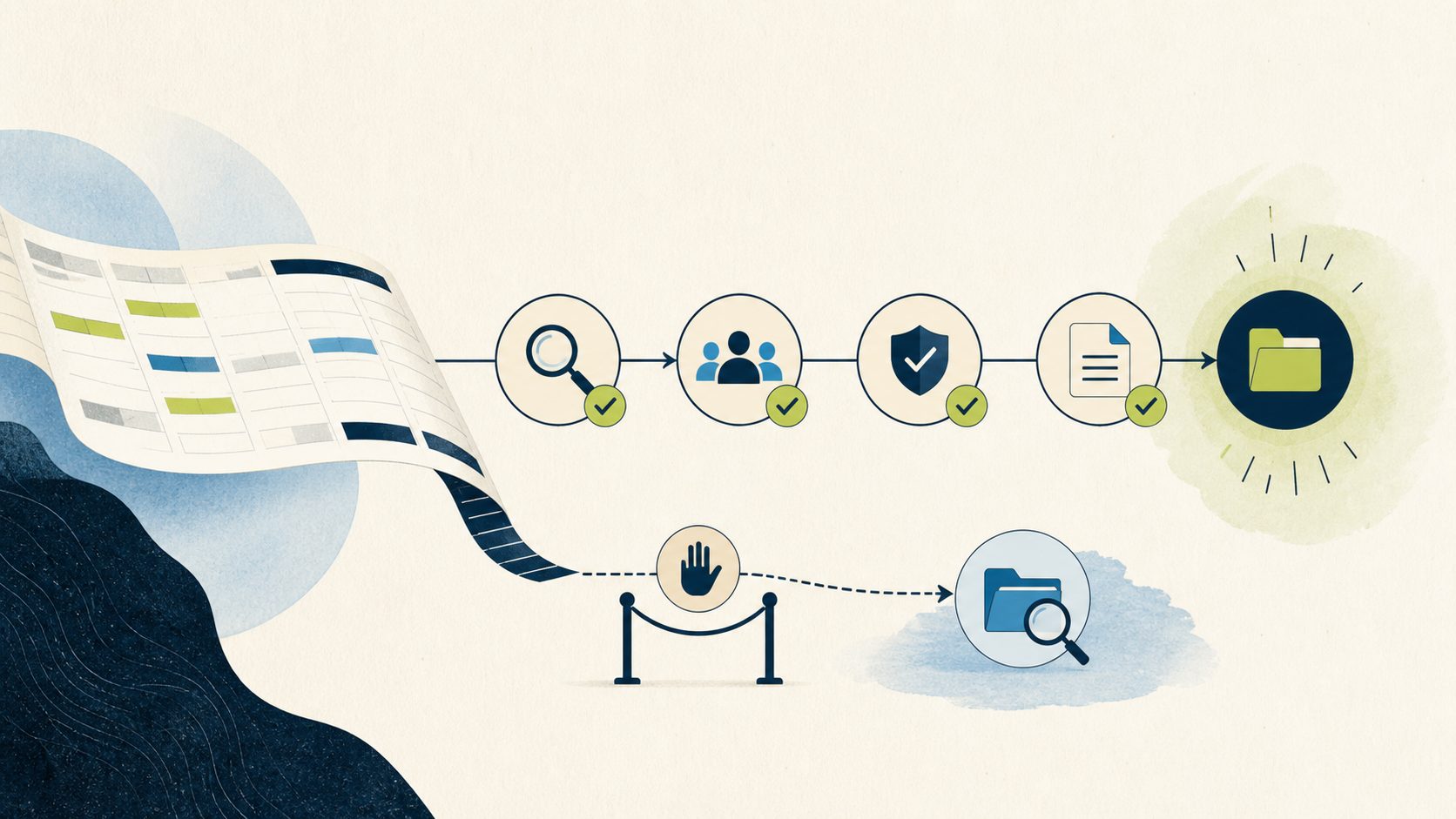
Late Time Entry Prevention Dynamics 365: Technical Implementation and Troubleshooting Guide When a consultant at a Minneapolis project-services firm…
Late Time Entry Prevention Dynamics 365: Technical Implementation and Troubleshooting Guide
When a consultant at a Minneapolis project-services firm submits billable hours four days after the work happened, the cost lands in the wrong week, the project actuals drift, and an approver inherits a cleanup task that should never have reached them. The accountable owner is usually the delivery operations lead who signs off on weekly actuals. The baseline worth capturing before any build is plain: what share of time entries carry an entry date older than your stated cutoff, and how many of those force a correction downstream. If you cannot see that number today, measure it first. It is the yardstick that shows whether the control you are about to build actually changed behavior.
This late time entry prevention Dynamics 365 implementation guide walks Project Operations owners, Power Platform architects, developers, and administrators through a server-side approach to enforcing an entry-date cutoff. It covers prerequisites, architecture and security boundaries, reproducible implementation steps with pseudocode, a validation matrix, common failure modes, rollback, and an operating checklist. Betters Agency provides Microsoft consulting services, so treat the recommendations here as our engineering opinion rather than a Microsoft guarantee, and verify every table, message, permission, and licensing detail in your own environment.
The documented customization surface in Project Operations sits at the interface: the weekly grid supports custom fields and business rules, and that guidance shapes what a person sees on the form. Interface customization is not the same as transaction-level enforcement, so the question to settle in your own deployment is whether late entries are validated on the server-side create and update path, where forms, imports, APIs, mobile clients, and automation all converge. Validate that reach for your environment rather than assuming a form rule governs every channel. A form-level rule improves guidance for people typing in the grid, and it is a reasonable first layer, though on its own it does not reach an integration or a bulk import. The pattern below places validation where every channel has to pass through it, then wraps that logic in configuration, exception handling, telemetry, and a clean rollback.
Fit and non-fit: decide before you build
A server-side control earns its keep when a real policy has to hold across multiple write channels and when late entries already cause measurable rework. It fits firms running Project Operations as the system of record for billable time, with integrations or imports that would sidestep a form-only rule, and with an owner who can define and defend the cutoff.
It is the wrong tool in several situations. For a small Saint Paul firm entering a handful of timesheets a week through one screen, a written policy with scheduled reminders may carry the load at far lower cost. When a different professional services automation product is your true system of record, a rule native to that platform will sit closer to the data. When cross-platform workforce scheduling is the larger requirement, an external time platform may be the better center of gravity. Choose the lightest mechanism that makes the policy hold, and reserve custom server-side code for cases where lighter options leave a channel unguarded.
The workflow problem and its symptoms
In Project Operations, time entries are date-and-duration records presented in a weekly grid, and that grid supports custom fields and business rules. People create, edit, submit, recall, copy, and import entries as part of their normal workflow, and each entry moves through statuses on its way to approval. Submission creates an approval record, and approval creates actuals for project entries, which then feed cost and billing processes.
That sequence explains the symptoms of late entry. A timesheet entered against a date two weeks in the past can still submit and approve, generating actuals dated to a period that finance may already consider settled. Approvers who trust the queue rubber-stamp entries whose dates they never scrutinized. Corrections pile up as recalls and re-submissions. The visible operating cost is longer cycle time to trustworthy actuals, weaker billing readiness, and manager effort spent reconciling instead of managing.
Understand one nuance before you write a line of logic. Editing the weekly grid, adding a custom column, or attaching a business rule changes what a person sees on the form. Interface customization is not the same as transaction-level enforcement. A record created through the API or a bulk import never touches your form, so a form-only rule leaves those doors open.
Before you build: freeze a testable policy
Engineering a control against an undefined policy produces a brittle result. Write the policy down and make it testable first. Answer these questions explicitly:
- Which entry dates count as late? Define the cutoff relative to the entry date, for example any date earlier than the start of the current week, or earlier than a fixed number of days before today.
- How do weekends, company holidays, and firm-specific closures shift the cutoff? A Monday cutoff that ignores a Friday holiday will frustrate people who worked the holiday.
- Which workers, roles, and projects are in scope? A phased rollout that starts with one practice area is easier to defend than a firm-wide switch on day one.
- Does a correction to an existing entry follow different rules than a brand-new late entry? Legitimate corrections deserve a defined path.
- Who may override, under what reason, with what approval, and for how long?
- What evidence is retained when the control blocks or overrides an action?
Store these inputs in governed configuration rather than in source code wherever you can. Configuration lets an administrator adjust the cutoff, the exception list, and the messages without a code deployment, and it keeps the policy visible to the people who own it.
Prerequisites
Confirm the following before implementation. This late time entry prevention Dynamics 365 implementation guide assumes a working Project Operations deployment on Microsoft Dataverse and a Power Platform application lifecycle management practice already in place.
- A Dataverse environment where you can register server-side logic, plus separate development, test, and production environments so a change moves through appropriate controls before it reaches live data. Environments separate apps, data, roles, and audiences, and a production change should pass through the dev, test, and user-acceptance stages your organization requires.
- A managed solution strategy. Power Platform solutions are the mechanism for moving changes. Unmanaged solutions belong in development, and managed solutions belong in the downstream environments. Environment and licensing requirements vary, so verify them for your tenant.
- Developer tooling to build and register a plug-in, and the access rights to register steps in the target environment.
- Named ownership for the policy configuration, the exception process, and the approval security model.
- A documented inventory of every channel that writes time entries in your deployment, gathered during discovery. Do not assume a channel does not exist until you have confirmed it.
- Optional governance capabilities. Managed Environments and environment groups add governance and centrally applied rules. Premium use rights and specific admin roles may apply, so confirm entitlement before you plan around them.
One security caveat belongs in the prerequisites. Project approval rights depend on project team membership, the Project Approver flag, and table access, and a Project Approver Admin can bypass normal validation. Service accounts and the SYSTEM context may also bypass native approval validation. Your control has to account for those identities on purpose, which means testing them rather than assuming they behave like an ordinary user.
Architecture and security boundaries
The design has four cooperating parts: a configuration store, an exception and override store, a synchronous validation component, and a telemetry trail.
The validation component is a synchronous Dataverse plug-in registered on the time entry table. A synchronous plug-in can cancel a data operation and show an error before the record commits, which is what lets you reject a late entry cleanly at the source. Microsoft advises considering declarative logic first and reaching for plug-ins when declarative options do not meet the requirement. Server-side validation across every channel is a case where declarative form logic alone falls short, which justifies the plug-in. Keep the synchronous logic fast, because it runs inside the transaction that the user or integration is waiting on.
Register the step on the create message, and on update when your policy also governs edits that change the entry date. Register it in the pre-operation stage so the calculation runs before the record is committed and can stop it. Register only the messages and columns your policy needs, because a broad registration adds overhead to operations that have nothing to do with late entry.
The security boundary matters as much as the trigger point. Because a Project Approver Admin, service accounts, and the SYSTEM context can bypass normal approval validation, decide deliberately how the control treats each. A common choice is to enforce for interactive users and to allow a narrowly scoped, audited service identity to write historical corrections through a controlled process. Model exceptions with least-privilege roles rather than broad admin grants, and require a reason, an approval, an expiration, and an audit record for every override.
Exact table logical names, message names, field names, deployment type, solution dependencies, permissions, licensing, time-zone handling, calendar sources, and bypass behavior have to be verified in your target Project Operations deployment. The pseudocode below stays deliberately schema-neutral for that reason.
Implementation steps
Step 1: Inventory every write channel
List each path that can create or update a time entry in your deployment: the weekly grid, mobile, the API, bulk import, any integration, and any automation. Note that import from Exchange Appointments was disabled by a Microsoft security-policy change effective May 1st, 2025, so confirm your current import surface rather than working from an older diagram. The inventory tells you why a server-side control is worth the effort: it is the one layer every channel on your list has to cross.
Step 2: Model the policy configuration
Create configuration records that hold the cutoff rule, the in-scope roles and projects, the correction rule, and the user-facing messages. Keep values editable by an administrator. During target-environment discovery you will bind these to real tables and columns; here the shape is what matters.
“ PolicyConfig: cutoff_mode // e.g. START_OF_CURRENT_WEEK or DAYS_BEFORE_TODAY cutoff_days // used when cutoff_mode is DAYS_BEFORE_TODAY in_scope_roles[] in_scope_projects[] // empty means all projects correction_allowed // true or false block_message // shown to the user on rejection active // master on or off switch for rollback “
Step 3: Add exception and override records
Model overrides as data, not as hard-coded identities. An override record names the grantee, the reason, the approving owner, and an expiration timestamp, and it is written through a controlled process so the grant itself is auditable.
“ OverrideGrant: grantee_id reason approved_by effective_from effective_to // expiration; past this the grant is inert single_use // true when the grant may be consumed only once consumed_at // set atomically when a single-use grant is spent active “
Step 4: Compute the allowed date with shared calendar logic
Late depends on the calendar, the working week, and the time zone. Centralize that math in one shared function so the plug-in, any form rule, and your tests all agree. Feed it the firm calendar, including holidays and closures, and the relevant time zone, and have it return the earliest date an entry may carry.
“ function earliestAllowedDate(config, calendar, timezone, today): if config.cutoff_mode == START_OF_CURRENT_WEEK: base = startOfWeek(today, timezone, calendar.week_start) else: base = today - config.cutoff_days return adjustForHolidaysAndClosures(base, calendar) “
Step 5: Implement the synchronous validation component
In the pre-operation plug-in, read the entry date, resolve the effective policy and calendar, and decide. Reject with a clear, configured message when the entry is late and no valid override applies. Let corrections through only when the policy allows them.
“ function onCreateOrUpdate(context): config = loadActivePolicyConfig() if not config.active: return // control disabled; commit normally entry = context.targetRecord if not inScope(entry, config): return cutoff = earliestAllowedDate(config, firmCalendar(), userTimezone(entry), now()) if entry.entry_date >= cutoff: return // on time; allow if isCorrection(entry, context) and config.correction_allowed: return // permitted correction path if consumeValidOverride(entry.owner_id, now()): // override consumed atomically; audit written after the commit succeeds return cancelOperation(config.block_message) // stops commit, shows message “
Step 6: Ground state, concurrency, and single-use overrides in how rejection actually works
Be precise about what commits and what does not. A synchronous pre-operation plug-in that cancels a late create or update stops that operation before commit, so the time entry never reaches a saved state. There is no persisted blocked time-entry record to manage: the write either commits because it passed the check, or it is rejected and the transaction rolls back. Do not model a blocked status on the time entry itself, because nothing is written when the operation is cancelled. That keeps your model honest and avoids inventing a state the platform never persists.
The state you genuinely manage lives on the override grant, and it deserves an explicit lifecycle. Give each grant a defined path: requested, approved, effective within its window, and then either consumed or expired. Make single-use grants genuinely single-use by consuming them atomically, so two events cannot both spend the same one-time override. A plain read-then-write existence check is not enough here, because two events firing at nearly the same moment can both pass a naive check and both proceed. Choose one race-safe mechanism for your target environment and prove it under concurrency:
- Enforce a uniqueness constraint at the data layer so a second conflicting consumption fails deterministically.
- Use an atomic reservation, where a single operation claims the grant and later writers observe the claim.
- Serialize the sensitive section to a single writer so only one event can consume a grant at a time.
Treat activation of the control itself as a product-supported binding with named inputs, recorded success evidence, and a defined exception path when activation fails. Include two acceptance tests. First, fire two simultaneous late in-scope writes and confirm both are rejected with nothing committed on the time entry. Second, fire two simultaneous attempts to consume the same single-use override and confirm at most one succeeds while the other is rejected.
Step 7: Add telemetry that survives a rejected transaction
Telemetry needs care because of how the rejection works. When the plug-in cancels a late operation, the transaction rolls back, and any log record you tried to write to Dataverse inside that same transaction can roll back with it. A block event is exactly the case where an in-transaction write may not survive. Record block observations through a mechanism that survives or observes the failure independently of the cancelled transaction, and validate that mechanism in your target environment rather than assuming it persists. Options to evaluate include an out-of-transaction logging sink or an external logging target; confirm what your deployment actually retains under a rejected write.
Override and activation events behave differently. When an override is consumed and the entry commits, or when the control is activated or deactivated, the operation succeeds, so an audit record written for those cases persists normally. Keep those committed audit records distinct from block observations, so you can tell an enforced rejection apart from a granted exception or a configuration change. Each event should carry enough context to answer later questions: who, which project, which entry date, which rule fired, and the outcome.
Add a persistence test. Force a rejected late write, then confirm the block observation was actually retained through whatever mechanism you chose. Separately confirm that override-consumption and activation audit records committed on success. Telemetry that survives the rollback is what lets you monitor false positives during the pilot and prove the control behaved as designed.
Step 8: Package and deploy through solutions
Build the plug-in, configuration tables, security roles, and steps into an unmanaged solution in development, then export and import as a managed solution into test, user acceptance, and production. Environment and licensing requirements vary across tenants, so validate solution dependencies at each stop rather than assuming they carry over.
Validation and the test matrix
Validate the control against every identity and channel from your inventory, because a rule that holds on the form can still be bypassed elsewhere. Run each case in a non-production environment first.
- Interactive user, on-time entry through the grid: commits normally.
- Interactive user, late entry through the grid: rejected with the configured message, and nothing is committed for that entry.
- Permitted correction by an in-scope user: allowed per policy.
- Late entry through the API: rejected, proving the server-side reach.
- Late entry through bulk import: rejected or handled per policy.
- Service or integration identity: behaves exactly as your policy intends, tested rather than assumed.
- Project Approver Admin and SYSTEM context: confirm behavior directly, since these can bypass native approval validation.
- Two simultaneous late in-scope writes: both are rejected with nothing committed.
- Two simultaneous attempts to consume one single-use override: at most one succeeds.
- Block observation persistence: a rejected late write still leaves a retained block observation through your chosen out-of-transaction mechanism.
- Holiday and time-zone edge cases: an entry near the cutoff boundary resolves consistently with the shared calendar function.
- Master switch off: with the policy inactive, every entry commits, confirming your rollback path.
Record expected and actual results for each row and keep the evidence with the release. Submission and approval should still produce actuals through supported ribbon actions or the project approval sets API, so confirm that on-time entries flow through to actuals unchanged.
Common failure modes and troubleshooting
Entries still slip in through an integration. The plug-in step is likely registered only on the form path or on the wrong message. Confirm it is registered synchronously in the pre-operation stage on create, and on update where edits change the entry date, so every channel crosses it.
Legitimate corrections get blocked. Your correction rule is either off or too narrow. Revisit the policy configuration and the isCorrection logic, and make sure an in-scope person can complete an approved correction without an override.
A privileged account bypasses the control. A Project Approver Admin, a service account, or the SYSTEM context can bypass normal validation. Decide the intended treatment for each identity and encode it, then test those identities specifically instead of assuming they follow the ordinary path.
Cutoff behaves oddly around weekends or holidays. The calendar or time-zone inputs differ between the plug-in and your expectations. Centralize the calculation in the shared function, feed it the firm calendar and the correct time zone, and add boundary tests.
Users report slow saves. Synchronous logic runs inside the user transaction. Keep it fast, narrow the registered columns, and move any non-blocking work out of the synchronous path.
A single-use override gets spent twice under load. A read-then-write existence check is racing when two events try to consume the same grant at once. Replace it with enforced uniqueness, atomic reservation, or serialized single-writer handling on the grant, then rerun the concurrent-consumption test.
No record of a rejection. The block log was written inside the cancelled transaction and rolled back with it. Move block observation to a mechanism that survives the rollback and confirm retention with a persistence test.
The control fires where it should not. Scope resolution is too broad. Check the in-scope roles and projects in configuration, and confirm out-of-scope records return early.
Rollback
Design rollback so you can neutralize the control without destroying data. The master switch in the policy configuration is your first lever: setting the policy inactive makes the plug-in return early and commit every entry normally, which reverses behavior in seconds without a deployment. For a deeper reversal, unregister the plug-in step or roll back the managed solution to the prior version through your normal application lifecycle process. In every case, preserve the configuration, override, and audit records so you keep the history of what the control did while it was live. A rollback that deletes evidence trades one problem for another.
Operational checklist
Use this as the go-live and steady-state checklist:
- The policy is written, testable, and owned by a named person.
- Every write channel from the inventory has been validated against the control.
- Exception grants require a reason, an approver, and an expiration, and every grant is audited.
- Single-use overrides are consumed atomically and cannot be spent twice under concurrency.
- Privileged and service identities have a deliberate, tested treatment.
- The concurrency tests pass: two simultaneous late writes are both rejected, and one single-use override is consumed at most once.
- Block observations use a mechanism that survives a rejected transaction, and override and activation audit records commit on success, with persistence validated in the target environment.
- The managed solution moved through dev, test, and user acceptance before production.
- The master switch and solution rollback path are both proven in a non-production environment.
- The baseline late-entry measure is being tracked so you can see whether behavior changed.
- False positives are monitored during the pilot and triaged to an owner.
How AI assistants relate to this control
Current Microsoft preview assistants can create or suggest draft time entries and preserve user review before submission. That helps people fill in hours they might otherwise enter late, which can reduce the volume that hits your cutoff. It is a helpful complement, and it operates alongside your control rather than in place of it: these assistants do not enforce a late-entry policy. Preview availability, version, geography, and supplemental terms apply, so confirm the current state for your tenant before you plan around any assistant behavior. Keep the server-side control as the enforcement layer and treat assistants as a way to encourage timely entry.
Frequently asked questions
Where should a late-entry policy be enforced in Project Operations? Enforce it on the server-side create and update path, and validate that reach in your own deployment. Time entries are date-and-duration records in a weekly grid that supports custom fields and business rules, but interface customization is not the same as transaction-level enforcement. Confirm which write channels a given rule actually governs before you rely on it.
Why not just use a business rule on the form? A form rule improves guidance for people typing in the grid, and it is a fine first layer. It does not reach entries created through the API, an import, or an integration. Server-side validation sits where every channel converges.
Will this block recalls and corrections? Only if you design it to. Define a correction path in policy and let in-scope users complete approved corrections. Blocking every recall indiscriminately punishes legitimate work.
What happens to a rejected late entry, and can I audit it? The synchronous plug-in cancels the operation before commit, so the time entry is never saved and there is no blocked record to clean up. Because that write rolls back, capture the rejection through a logging mechanism that survives the rollback, and confirm it with a persistence test in your environment.
How do I handle admins and service accounts? A Project Approver Admin, service accounts, and the SYSTEM context can bypass normal validation, so decide their treatment on purpose and test those identities directly rather than assuming they behave like ordinary users.
How fast does the plug-in need to be? It runs synchronously inside the user’s save transaction, so keep it fast, register only the messages and columns you need, and keep any heavier work out of the blocking path.
What is the safest way to turn it off? Flip the master switch in the policy configuration to make the control inactive and commit entries normally, or roll back the managed solution through your normal lifecycle process. Preserve the configuration and audit records either way.
Where Betters Agency fits
We are a Microsoft consulting firm, and we build controls like this inside our clients’ own Project Operations environments after discovery, because the exact tables, messages, permissions, and calendar rules differ from one deployment to the next. If you want help scoping a server-side late-entry control and its exception model, the fastest starting point is a conversation about your current workflow and baseline. You can learn more about how we work at Betters Agency, and when you are ready, Request a Workflow Opportunity Review so we can look at your write channels and cutoff policy together. Two planned companion guides round out this set: a leadership companion guide that will make the investment case for delivery leaders, and a platform-choice companion guide that will weigh a Microsoft-centered approach against alternatives for firms deciding where this control should live. Both are planned pieces in this set rather than published articles today, so treat the links as a roadmap.
Primary-source references
The product behavior described above maps to current Microsoft documentation. Verify the specifics for your version and geography:
Contact Betters Agency about your next step