
Blog
Microsoft PSA vs Alternatives for Preventing Billing Leaks
nbetters · · 14 min read
This is an opinion, and we want to be straight about our interest before you read a word of the argument.
This is an opinion, and we want to be straight about our interest before you read a word of the argument. Betters Agency is a Minnesota consultancy that implements Microsoft Dynamics 365 and Power Platform for professional and technical services firms. We make our living building the kind of system this article recommends, so treat what follows as an argued position rather than a neutral market survey. We think it holds up, and we have tried to name the places where it does not.
Our reader is a leader at a Minnesota or Twin Cities project-centric firm, somewhere in the range of 40 to 249 employees, where opportunities get scoped, staffed, delivered, and billed as projects. If that is you, you already know the quiet version of this problem: billable work, expenses, milestones, rate changes, or contract terms that never quite make it onto an accurate invoice on time. This piece takes a clear side on the platform question while giving you an honest map of when a different platform is the smarter call.
Our position in one paragraph
For most Microsoft-centered professional services firms in our audience, the Microsoft and Power Platform stack is the stronger default for preventing billing leakage, because it puts the project commercial model, the delivery records, the controlled state, and the reporting inside one governed data platform you can own. That advantage is real, and it is conditional. It weakens quickly if a mature professional services automation (PSA) or enterprise resource planning (ERP) system already owns your project-to-cash workflow, if Salesforce is your strategic platform, or if you have no internal Microsoft capability and no appetite to build any. The rest of this article explains both halves of that sentence.
What billing leakage actually is here
We treat billing leakage as an operating condition, not an industry statistic. We are not going to quote a percentage of revenue lost, a benchmark, or a savings figure, because those numbers get invented far more often than they get measured. Leakage, in the sense that matters to your invoice run, happens whenever billable time, expenses, milestones, rates, or contract terms fail to reach an accurate invoice on time. That failure has a location. It lives in a specific handoff between two people or two systems, and it produces a measurable symptom: aged unbilled items, invoice adjustments after issue, credit and rebill events, or reconciliation work someone does by hand every month.
The only trustworthy baseline is the one you measure in your own shop. Before any platform conversation, you should be able to name your candidate leakage points, count aged unbilled items, and time how long your approval and reconciliation steps actually take. A platform choice made without that baseline is a guess dressed up as a decision.
The problem lives in the workflow, not the tool
Here is the trap that turns a platform decision into an expensive mistake: buying software to fix a workflow you have never mapped. Leakage is a handoff failure. Fix the handoff and you can often shrink the problem with a lighter process change before you license anything new.
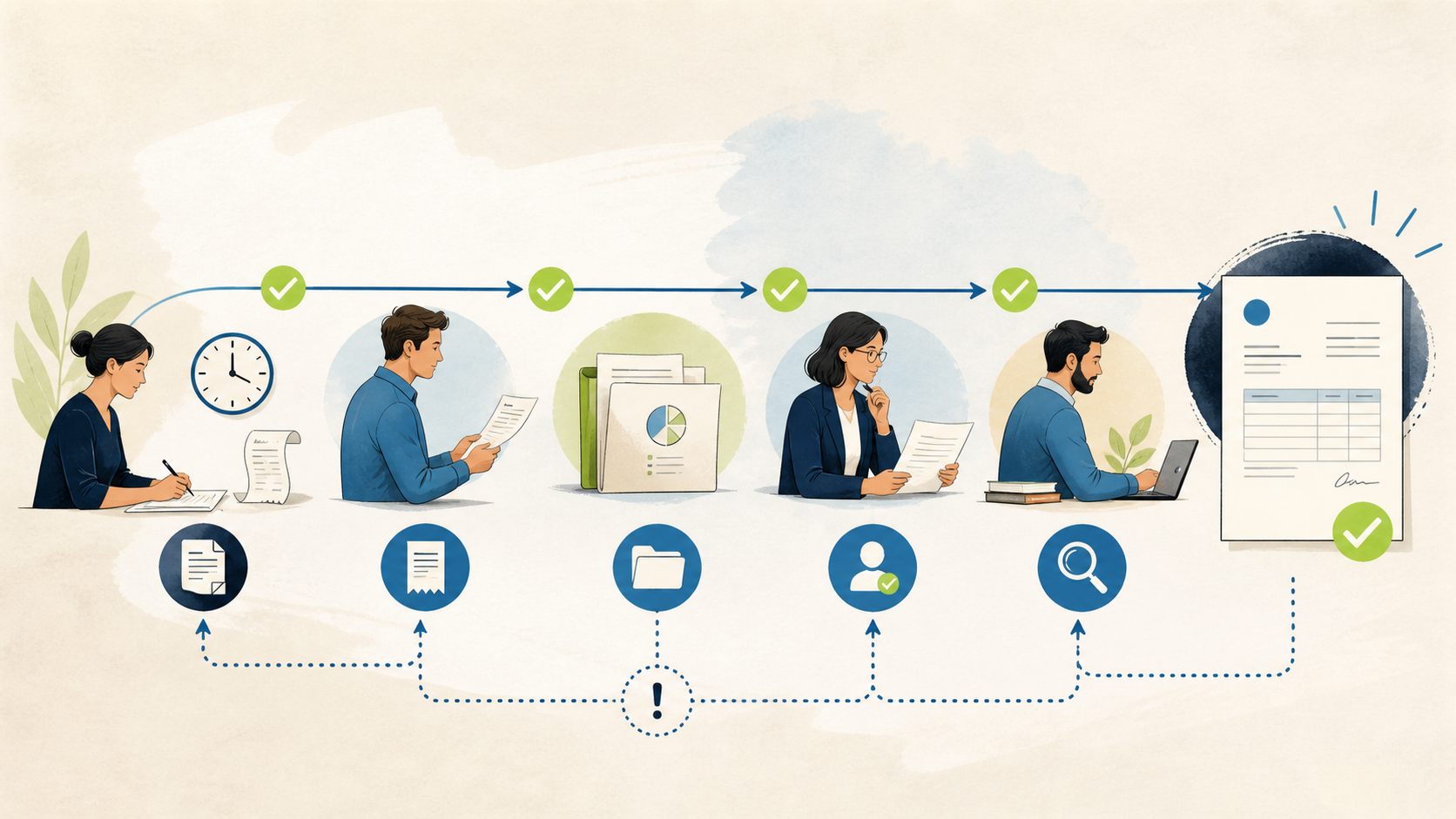
So we start every engagement with a leakage map rather than a feature list. Trace the path from contract terms and rates, through project and task setup, time and expense capture, approvals, actuals, the invoice proposal, finance review, invoice issue, and exception resolution. For each handoff, name seven things: the owner, the source record, the required state, the allowed correction, the evidence that it happened, the service expectation for turnaround, and the queue that catches failures. When you can fill that in for every handoff, two useful things happen. You find the leaks that need no software at all, and you get a precise specification for the ones that do. Only then does the platform question earn its place.
Why we favor Microsoft as the default
With the workflow mapped, the platform question becomes concrete: where should the project commercial model, the delivery records, the controlled state, and the reporting live so that leakage gets caught early and by an accountable owner? For a firm already standardized on Microsoft 365, our answer is usually the Microsoft stack, for three connected reasons.
A connected project-to-cash data model
The strongest argument is structural. In Dynamics 365 Project Operations, project contracts define the billing arrangements themselves. Time-and-material contract lines carry time, expense, and material transaction classes, fixed-price lines are driven by milestones, and invoice frequency controls when invoice runs occur, as documented by Microsoft in Project contracts on Microsoft Learn. Exact options depend on your deployment type and configuration, so this is a starting model to verify in your tenant rather than a promise about your build.
That commercial model connects directly to delivery. When time, expense, and material usage are approved, Project Operations creates actuals, and those actuals use transaction origins and connections that relate cost and unbilled sales back to the originating records, as described in Create and confirm Entry journals on Microsoft Learn. That documentation applies to Integrated with ERP scenarios and entry journals behave differently elsewhere, which is exactly the kind of caveat you should carry into design. The reason this matters for leakage is traceability. When an unbilled item ages, you want to walk from the invoice proposal back to the actual, and from the actual back to the approved time or expense entry, inside one data model instead of stitching exports together.
The capture points are governed the same way. Expense entry supports submission, approval requests, receipts, recall before approval, and an approval-dependent reversal path after approval, per Expense entry on Microsoft Learn. Time entry moves from draft through submission and approval, after which actuals are created for project entries, as Microsoft walks through in the Project management and time entry TechTalk. On the billing side, project invoicing supports preliminary invoice proposals, invoice control, on-account invoicing, and credit notes, with accrued-revenue behavior in applicable manufacturing-based scenarios, documented in Project invoicing on Microsoft Learn. That last source is scenario-specific, and generalizing its configuration across deployment types is a common way to design the wrong thing.
Read those pieces together and you get the point of the default. The contract, the capture, the approval, the actual, and the invoice proposal share one lineage. Leakage tends to hide in the gaps between systems, and this model narrows the gaps.
Governance and auditability you can own
The second argument is about control. Preventing leakage is partly a control problem: you need to know who changed a rate, when an approval happened, and why an invoice went on hold. Dataverse auditing can track record changes and user access, and it is configured at the environment, table, and column levels. It consumes log storage, requires the right privileges, and needs an explicit retention policy, as Microsoft sets out in Manage Dataverse auditing on Microsoft Learn. We call out those costs deliberately, because auditing is a capability you configure and pay for in storage and administration, not a switch that makes your billing correct.
That control extends to the platform itself. Power Platform solutions and an environment strategy support governed application lifecycle management, described in ALM basics on Microsoft Learn, so a validation rule or automation can move from development to test to production through a repeatable release path with rollback evidence. Data loss prevention policies can classify connectors and restrict which combinations are allowed across environments, per Data loss prevention policies on Microsoft Learn. Worth stating plainly: DLP governs connector use, and it does not by itself prove that your invoices are accurate or that you are compliant. It is a guardrail around the system, not a substitute for the controls inside your billing workflow.
Extensibility without leaving the platform
The third argument is practical reach. When your leakage map surfaces a control that is specific to how your firm works, a duplicate-invoice check, an aged-exception queue, a required reason on every hold and release, you can often build it with the same governed toolset rather than a bolt-on integration. Power Automate can handle notification and orchestration where that is appropriate, and Power BI can give you measured exception visibility so aged unbilled items and adjustment counts are seen rather than discovered at month end. This is an architecture hypothesis for your firm, not a universal prescription, and the schema, deployment type, licensing, integration ownership, security roles, supported APIs, retention, and transaction behavior all have to be verified in your target tenant before anyone commits.
The ecosystem and governance advantage in plain terms
Step back from the individual features and the case gets simpler. Most of our Minnesota audience already runs on Microsoft 365. Identity, security groups, and administration already exist. Choosing the Microsoft stack for billing leakage prevention means the project-to-cash data lands next to systems your people already sign into and your IT owner already governs. That reduces the number of integration seams, and every seam you remove is one fewer place for a rate change or a late timesheet to fall through.
If you lead a Twin Cities professional services firm with a lean internal IT function and an MSP or a business applications owner handling Microsoft administration, this ownership question is the one to press on. A platform you can administer with the skills already in the building is easier to keep honest than one that lives in a separate vendor cloud with a separate governance model. That is a real operating advantage for the firm that has it. It is also precisely the advantage that disappears for a firm whose center of gravity is somewhere else, which is where the honest counterarguments begin.
Implementation economics without fabricated numbers
We are not going to hand you an ROI figure or a payback period, because we would have to make it up. What we can do is describe where the effort and the risk sit, so you can price the decision against your own baseline.
The cost of the Microsoft approach is front-loaded into design and governance. You are modeling contracts, rates, and roles, configuring auditing with a retention policy that consumes storage, standing up environments and a release path, and building the specific validation your leakage map calls for. That is real work, and it presumes either internal Microsoft capability or a partner to supply it. The payoff is a connected system you own, where an aged unbilled item can be traced end to end and a new control ships through a governed release.
The economics turn on three questions. First, how much manual reconciliation and rework does your current process actually cost in hours, measured, not estimated. Second, how much of your leakage is a handoff you could fix with process discipline before licensing anything. Third, how much of the Microsoft capability you would license is already sunk cost you are paying for and underusing. A firm already on Microsoft 365 with a genuine project-to-cash reconciliation problem is where the math tends to favor building on the stack. A firm with a healthy PSA that simply needs tighter approvals is usually better served by fixing the process it already has. We will say the uncomfortable part out loud: sometimes the responsible recommendation is to spend less, not more.
Honest counterarguments
A Microsoft-forward opinion that never concedes anything is just marketing. Here are the counterarguments we find credible.
The first is the incumbent argument. If a mature PSA or ERP already owns your project-to-cash workflow and your people trust it, the switching cost is substantial and the marginal benefit of moving may be small. Ripping out a working billing engine to gain traceability you could add another way is rarely wise.
The second is the strategic-platform argument. If Salesforce is your firm’s strategic platform and your commercial and delivery data already live there, standardizing your billing controls on that ecosystem keeps your seams where your investment and your skills already are. Consistency with your strategic platform is itself a control.
The third is the industry-depth argument. Some specialized PSA products ship out-of-box workflows and billing-event handling tuned to a particular services model. Where that out-of-box depth matters more to you than Microsoft integration, a configured product can beat a platform you have to shape yourself. As one example of that category, Certinia markets PSA capabilities covering time and expense and billing-event generation in its own product material, Certinia PSA Fundamentals. We cite that as an illustration of a credible alternative category, and it is a vendor summary subject to change, not evidence that it is superior or the right fit for you. Validate current product fit directly.
The fourth is the capability argument, and it is the one firms most often talk themselves out of. If you have no internal Microsoft skills and no plan to acquire them, the governance advantages we described become someone else’s dependency. A platform you cannot administer is a liability wearing the costume of an asset.
When an alternative fits better
Putting those together, we would steer you toward an alternative, and we would tell you so in the room, when any of the following is true for your firm:
- A mature PSA or ERP already owns your project-to-cash workflow and it is working, so the switching cost outweighs the bounded benefit of moving.
- Salesforce is your strategic platform and your commercial and delivery data already live in that ecosystem.
- Out-of-box industry depth in a specialized PSA matters more to you than Microsoft integration.
- You have no internal Microsoft capability and no appetite to build or contract for it.
- Your leakage is a discrete handoff problem that a process fix resolves without new licensing.
None of those makes Microsoft a bad platform. Each makes it the wrong default for that firm’s situation. Forcing every leakage problem into Microsoft would be its own kind of malpractice, and we would rather lose that engagement than sell you the wrong seam.
A selection scorecard you can run
Criteria without a decision rule are just a list, so here is a scorecard you can actually apply. Score each criterion for your firm as Strong fit, Mixed, or Poor fit, and treat the first two as mandatory gates.
- Existing platform gravity (mandatory gate): Are you already standardized on Microsoft 365 and able to own administration? Strong fit favors Microsoft. Poor fit is a stop signal for the Microsoft default.
- Workflow ownership (mandatory gate): Is your project-to-cash workflow currently owned by a mature PSA or ERP you intend to keep? If yes, that incumbent is the default and Microsoft must clear a high bar to displace it.
- Data model need: Do you need one connected project-to-cash model to trace unbilled items end to end? Strong fit strengthens the Microsoft case.
- Governance and auditability: Do you value environment, table, and column-level auditing and a governed release path, and can you fund the storage and administration they require?
- Integration and skills: Do you have, or will you contract for, the Microsoft capability to build and operate the system?
- Reporting and exception visibility: Do you need measured, not manual, visibility into aged exceptions?
- Switching and portability cost: How much does it cost to move off what you have, and how portable is the alternative if you change direction later?
Apply this decision rule. If either mandatory gate is a Poor fit, do not make Microsoft the default; either keep and tighten your incumbent or evaluate a strategic-platform alternative. If both mandatory gates are Strong or Mixed and at least three of the remaining criteria are Strong fit, run a bounded pilot on one workflow before any broad commitment. If both gates pass but the supporting criteria are mostly Mixed, fix the process and remeasure your baseline before you decide, rather than buying your way past an unmeasured problem. Set your own thresholds against your measured baseline; we are not going to invent a financial cutoff for you.
How this connects to your other two decisions
This article is the platform-direction view on purpose, so it does not repeat the build steps or the investment case. If you have decided the Microsoft direction is right and you want the implementation detail, the control points, the validation cases, and the rollback design, read our companion professional services billing leakage prevention technical guide. If you are building the funding and governance case, including how to name owners and measure value without promising savings, read the professional services billing leakage prevention business value decision framework. Together the three pieces cover direction, proof, and investment.
Bring us one workflow
We will restate our interest, because you should weigh it. Betters Agency benefits commercially when a firm builds on Microsoft with our help, and this opinion favors that path for firms it fits. The way to keep us honest is to make us prove the fit against your actual workflow.
So bring us one costly manual handoff. Book a 25-minute Workflow Opportunity Review and we will map that single handoff with you, name its owner and its failure queue, and tell you plainly whether the Microsoft stack, a lighter process fix, or a different platform is the better call for your firm. If the answer is that you do not need us, we will say that too.
Frequently asked questions
Is Microsoft always the best choice for billing leakage prevention?
No, and anyone who tells you otherwise is selling. Microsoft is our default recommendation for firms already centered on Microsoft 365 that need a connected project-to-cash data model and can own the platform. When a mature PSA or ERP already owns the workflow, when Salesforce is your strategic platform, when out-of-box industry depth outweighs integration, or when you lack Microsoft capability, a different path is often better. The scorecard above is designed to surface those cases.
Do we have to replace our current billing system to reduce leakage?
Often not. Leakage is a handoff failure, and a share of it can be closed with process discipline, tighter approvals, and a real exception queue before any new licensing. Map the workflow first, fix what a process change can fix, and reserve a platform change for the leaks that genuinely need system-level control and traceability.
What makes the Microsoft data model relevant to leakage specifically?
Traceability. In Project Operations the contract defines the billing arrangement, approved time, expense, and material usage create actuals that connect back to their originating records, and the invoice proposal draws from that lineage, as documented across Microsoft Learn. When an unbilled item ages, you can walk the trail inside one model rather than reconciling exports between systems, which is where leaks tend to hide.
Does Dataverse auditing prove our invoices are accurate?
No. Auditing tracks record changes and user access and helps you answer who changed what and when, and data loss prevention governs how connectors are combined. Both are guardrails around the system. Neither proves invoice accuracy or compliance on its own. Accuracy comes from the controls inside your billing workflow, and it has to be measured against your own baseline.
How should we start if we think Microsoft is the right direction?
Start small and measured. Pick one workflow, establish a baseline for aged unbilled items and reconciliation time, and run a bounded pilot with a governed release path before any broad rollout. Verify licensing, deployment type, security roles, and tenant configuration as part of that pilot. A Workflow Opportunity Review is a low-commitment way to pressure-test the direction against one real handoff first.
Contact Betters Agency about your next step